 Just Draw
Just draw.
A blank page, eight colors and your finger. Undo anything, share what you like. Made for iPhone, iPad and iPhone Duo.
In TestFlight beta · iOS 27 or later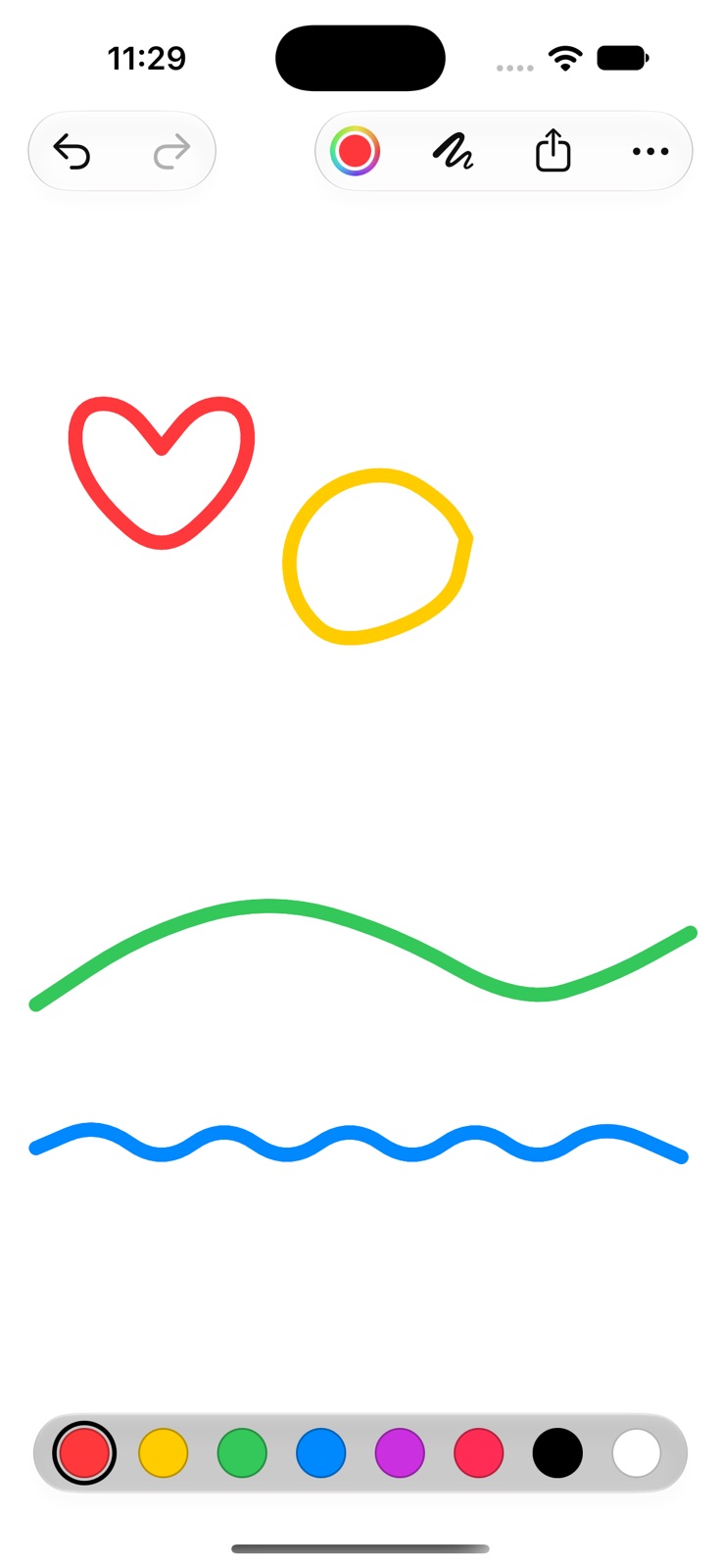
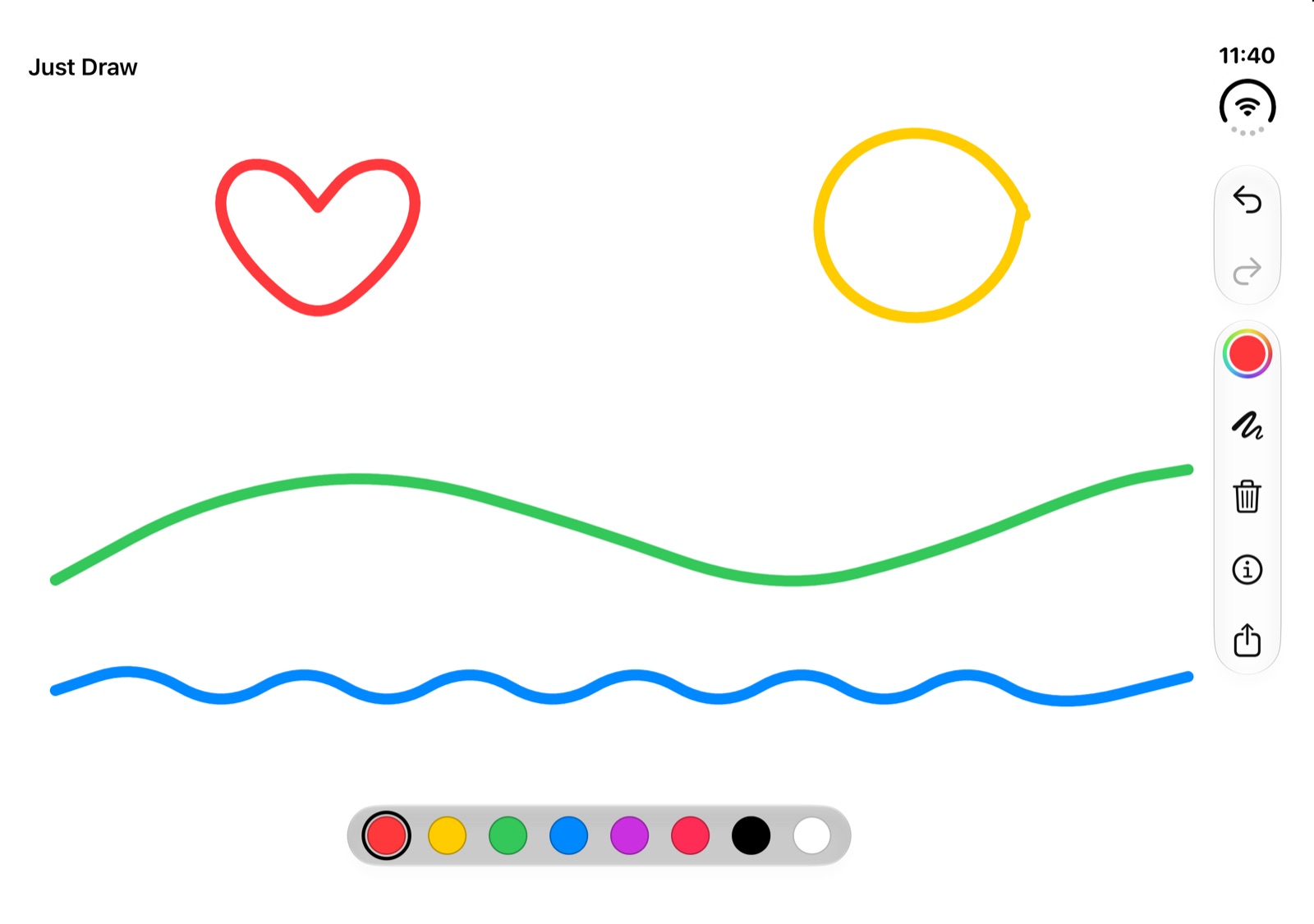
Drawn in Just Draw on an iPhone 18 Pro and an iPhone Duo, in the Xcode simulator.
Three steps. That is the app.
There is nothing to set up and no account to make.
- Pick a colorEight colors at your thumb, or open the color picker for any other.
- DrawThe page starts drawing the moment you touch it. Choose a thicker or thinner brush when you want one.
- Share itSend the drawing as a picture, or choose Save Image to keep it in Photos.
Small on purpose
Everything the page needs and nothing it does not.
Undo anything
Shake to undo, swipe with three fingers, or press ⌘Z. Clearing the page can be undone too, so you never have to ask twice.
Finger or Apple Pencil
The line starts the instant you touch down, and smooth curves keep fast strokes from looking jagged.
Made for iPhone Duo
The page fills whichever display you use, closed, open or part way. The controls follow the system to the side of the screen, as they do in Apple's own apps.
iPhone and iPad
Portrait or landscape, full screen or in Split View. The drawing area simply takes the room it is given.
Private by design
No accounts, no ads, no tracking, no permissions and no network. Your drawing stays on your device. Read the privacy policy.
English and Swedish
Just Draw follows your language: Just draw. becomes Rita bara.
The details
What is in the app today.
Drawing
- Eight colors, plus any color from the system color picker
- Brush sizes from fine to chunky, with a live preview
- Tap for a dot, drag for a line
- Undo and redo without a limit, Clear Canvas included
- Your last drawing is kept and waiting when you come back
- White paper, and a light toolbar over it, in both light and dark appearance
Sharing
- Share as a PNG picture through the system share sheet
- Choose Save Image to put it in Photos, with no photo permission needed
- The hint and toolbar are never part of the picture
Requirements
- iPhone or iPad with iOS 27 or later
- iPhone Duo: the layout adapts to both displays and every fold angle
- English and Swedish
- Available through TestFlight